Skip to content
OnMSFT.com
  • Home
  • About
  • Contact
  • Windows
  • Surface
  • Xbox
  • How-To
  • OnPodcast
  • Edge
  • Teams
  • Gaming
Menu
  • Home
  • About
  • Contact
  • Windows
  • Surface
  • Xbox
  • How-To
  • OnPodcast
  • Edge
  • Teams
  • Gaming
  1. Home
  2. News
  3. Microsoft Teams fixes long-standing screen sharing issue affecting 3440×1440 monitors

Microsoft Teams fixes long-standing screen sharing issue affecting 3440×1440 monitors

Rabia Noureen Rabia Noureen
June 10, 2020
1 min read

Microsoft Teams users have been reporting on different online forums [1, 2, 3] about a long-standing bug in the Teams Windows app, which is restricting them from sharing their screens on higher resolution monitors. The discussion forums have been filled with users complaining that screen sharing with a 3440 x 1440 resolution will show a black screen.

Some reports suggested that sharing an individual application on high-resolution screens seemed to work fine, and the problem apparently affected people who tend to switch between applications. However, according to an update posted on the UserVoice forum, a Microsoft representative confirmed that a fix has been deployed in Microsoft Teams version 1.3.00.13565 which was shipped earlier this month.

Many users confirmed on the Microsoft Community forum that screen sharing with a 3440×1440 resolution is now working perfectly. However, if you are still experiencing the black screen problem with wider monitors, you may try lowering your screen resolution to see if that fixes the issue.

Even though the Teams desktop app updates automatically, you can still install the latest version by clicking your profile picture at the top of the app, and then select “Check for updates”. Let us know if the latest update helped you resolve the screen sharing issue in the comments down below.

Share This Post:

Tags: Microsoft | Microsoft 365 | Microsoft Teams | Office 365
Share this article:
Tags:
Microsoft Microsoft 365 Microsoft Teams Office 365
Previous Article Relive Windows 95 and Windows past with the fun retro-inspired game Progressbar95 Next Article Windows 10 build 19645 brings more fixes to Fast Ring Insiders

Related Articles

What Is NemoClaw and How Does It Work?

March 21, 2026
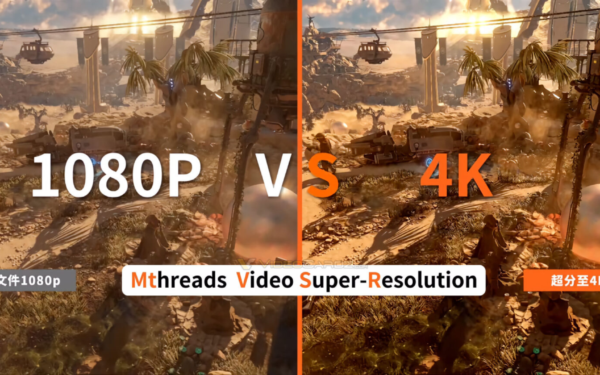
Moore Threads v330.140 driver adds MTVSR AI video upscaling for real-time playback, improving video quality, not gaming performance.

Moore Threads introduces MTVSR video upscaling in v330.140 driver update

March 21, 2026
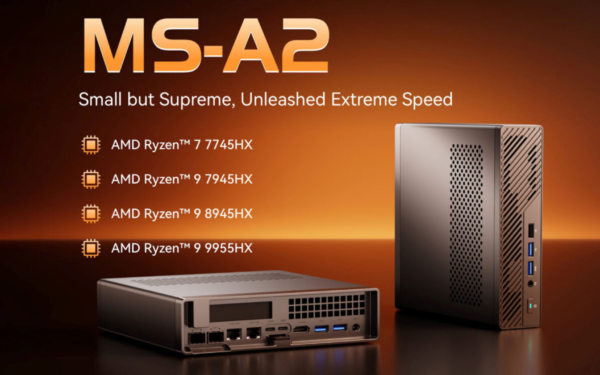
MINISFORUM MS-A2 update adds new Ryzen 9 8945HX tier

MINISFORUM MS-A2 update adds new Ryzen 9 8945HX tier

March 21, 2026

Leave a Comment Cancel reply

Your email address will not be published. Required fields are marked *

Recent Posts

  • What Is NemoClaw and How Does It Work?
  • Moore Threads introduces MTVSR video upscaling in v330.140 driver update
  • MINISFORUM MS-A2 update adds new Ryzen 9 8945HX tier
  • Thermal Grizzly releases Mycro Pro RGB CPU blocks with built-in filter
  • Elon Musk Guilty of Misleading Twitter Shareholders in Acquisition Dispute

Recent Comments

No comments to show.
OnMSFT.com

The Tech News Site

Categories

  • Windows
  • Surface
  • Xbox
  • How-To
  • OnPodcast
  • Gaming
  • Edge
  • Teams

Recent Posts

  • What Is NemoClaw and How Does It Work?
  • Moore Threads introduces MTVSR video upscaling in v330.140 driver update
  • MINISFORUM MS-A2 update adds new Ryzen 9 8945HX tier
  • Thermal Grizzly releases Mycro Pro RGB CPU blocks with built-in filter
  • Elon Musk Guilty of Misleading Twitter Shareholders in Acquisition Dispute

Quick Links

  • About OnMSFT.com
  • Contact OnMSFT
  • Join Our Team
  • Privacy Policy
© 2010–2026 OnMSFT.com LLC. All rights reserved.
About OnMSFT.comContact OnMSFTPrivacy Policy